1 Introduction
The Personal Center is a functional area in Linkincrease where users can perform personalized management and configuration.
2 Access to Personal Center Functions
Click the personal avatar at the bottom of the left navigation bar to open the settings related to your personal account. 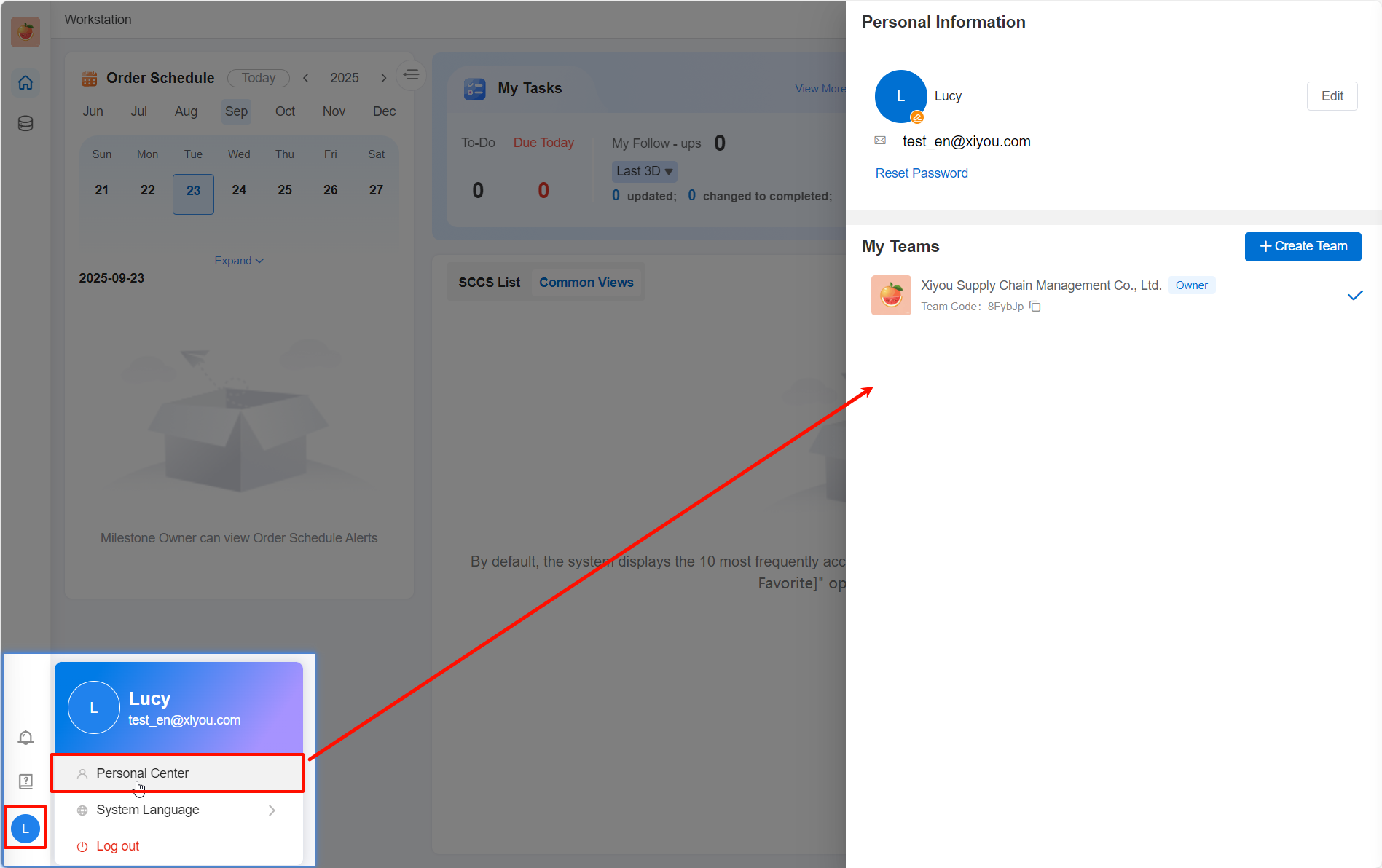
3 Personal Settings
3.1 Modify Personal Information
When your personal information changes, you can make modifications in the Personal Information section. 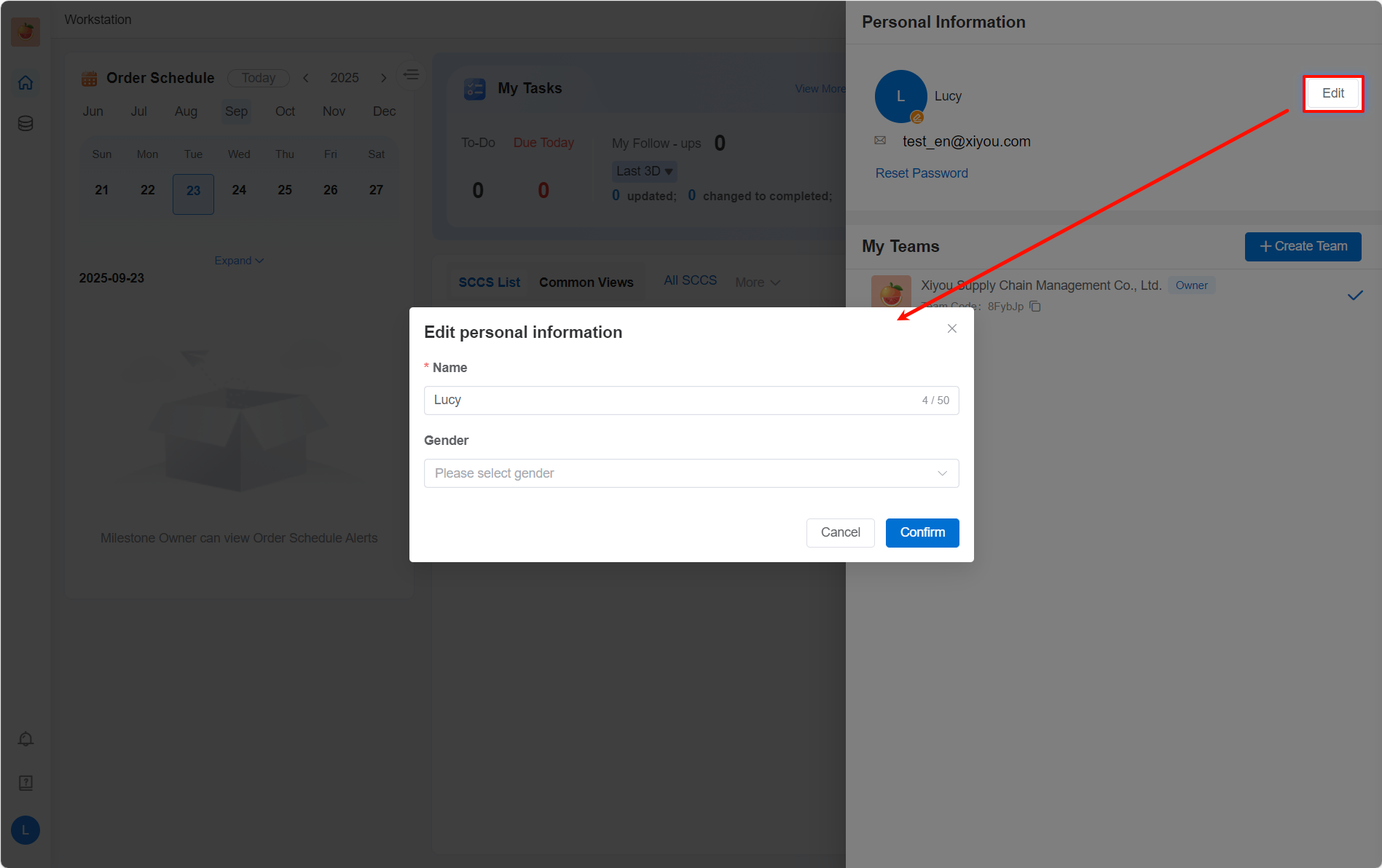
3.2 Modify Personal Avatar
The default avatar for your personal account uses the first character/letter of your name. If you need to change it to a personalized avatar, you can re-upload an avatar in the Personal Center. To restore the default avatar, simply click the "Restore Default" button in the middle of the avatar. 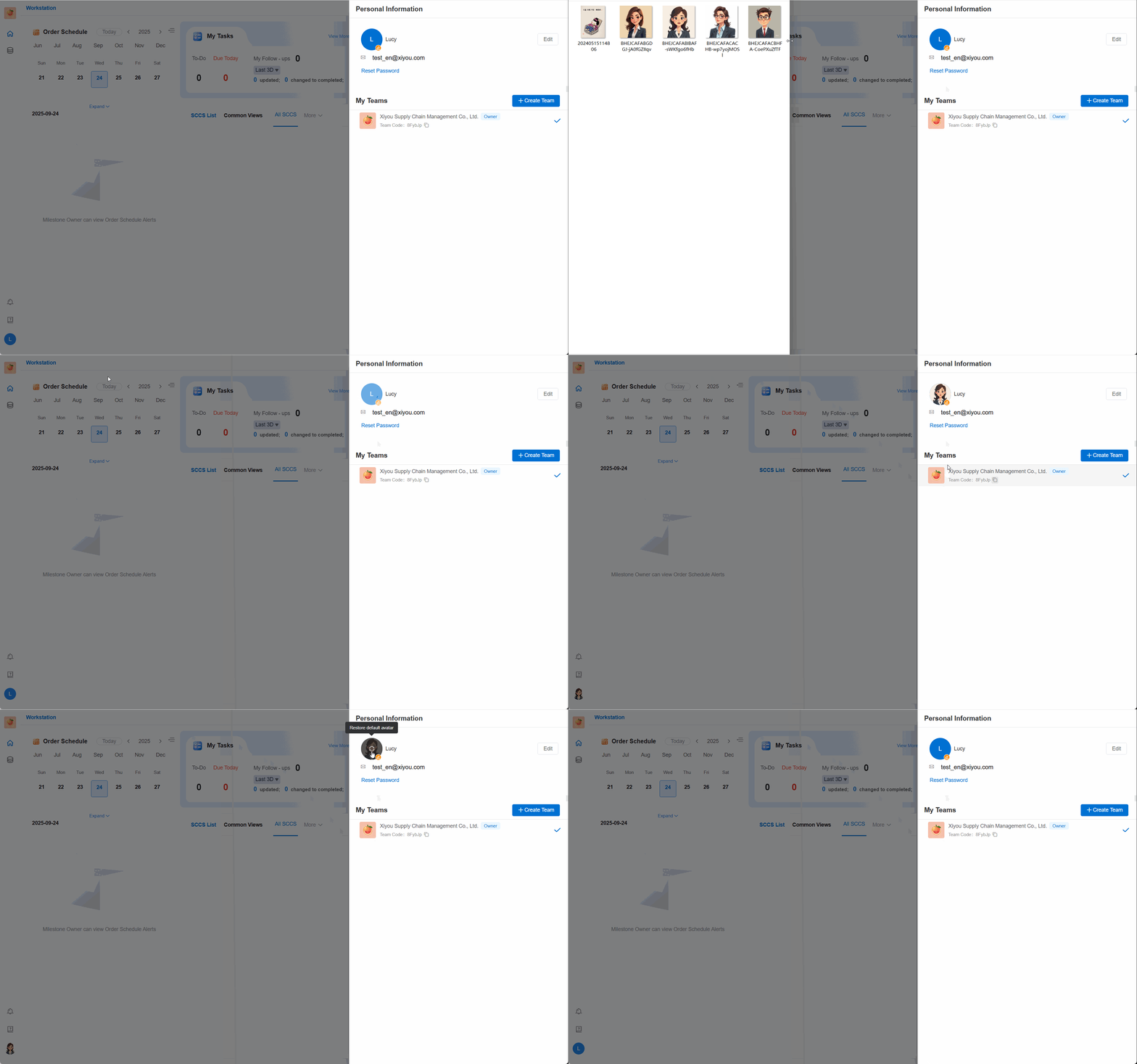
3.3 Reset Password
After resetting your password, you need to log in to your account again with the new password. 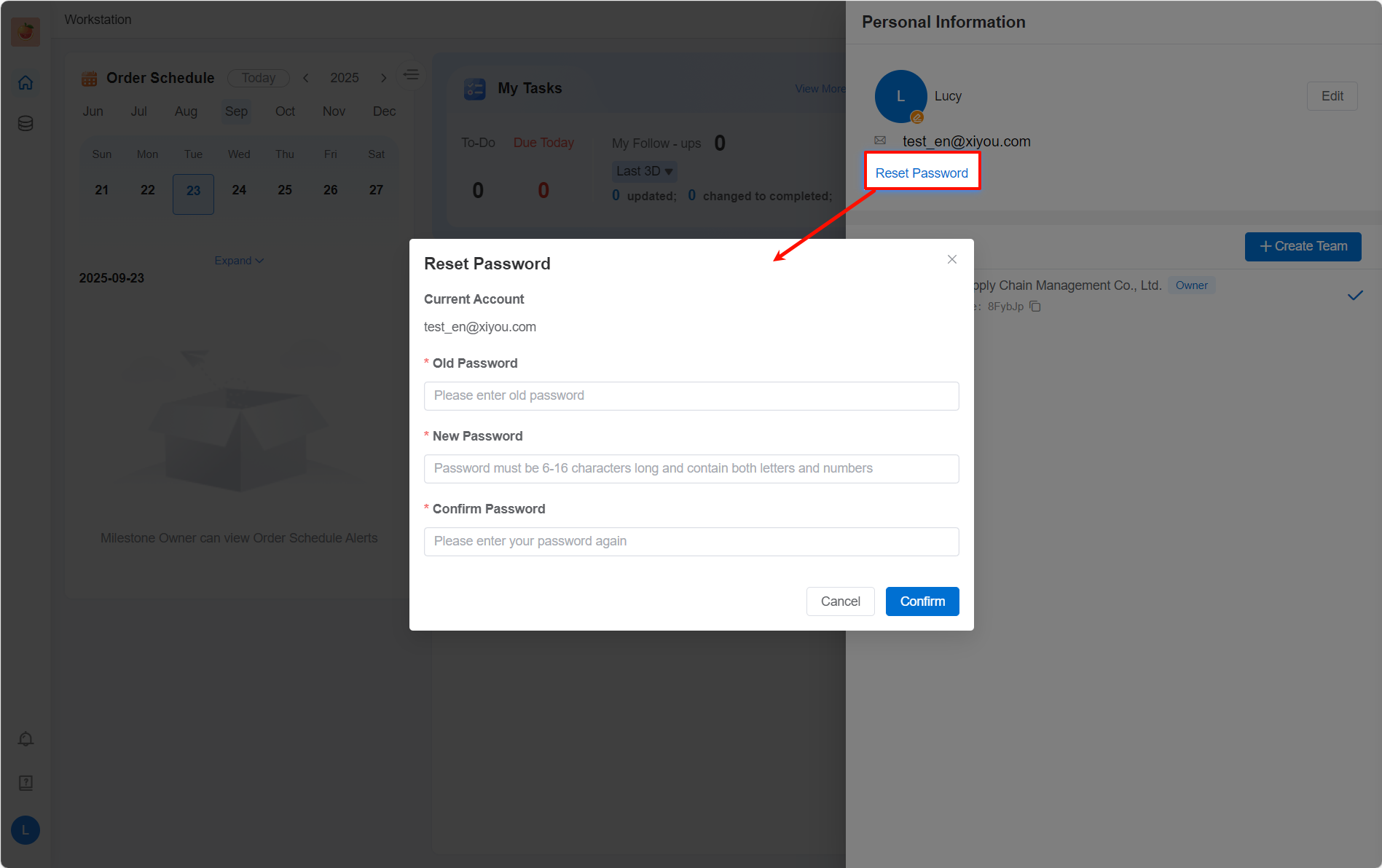
4 Switch Language
Currently, the platform supports switching between two languages: Chinese and English. The language is set to follow the system by default. That is, if your browser is set to Chinese, the platform language will be Chinese; if your browser is set to any other language, the platform language will be English. 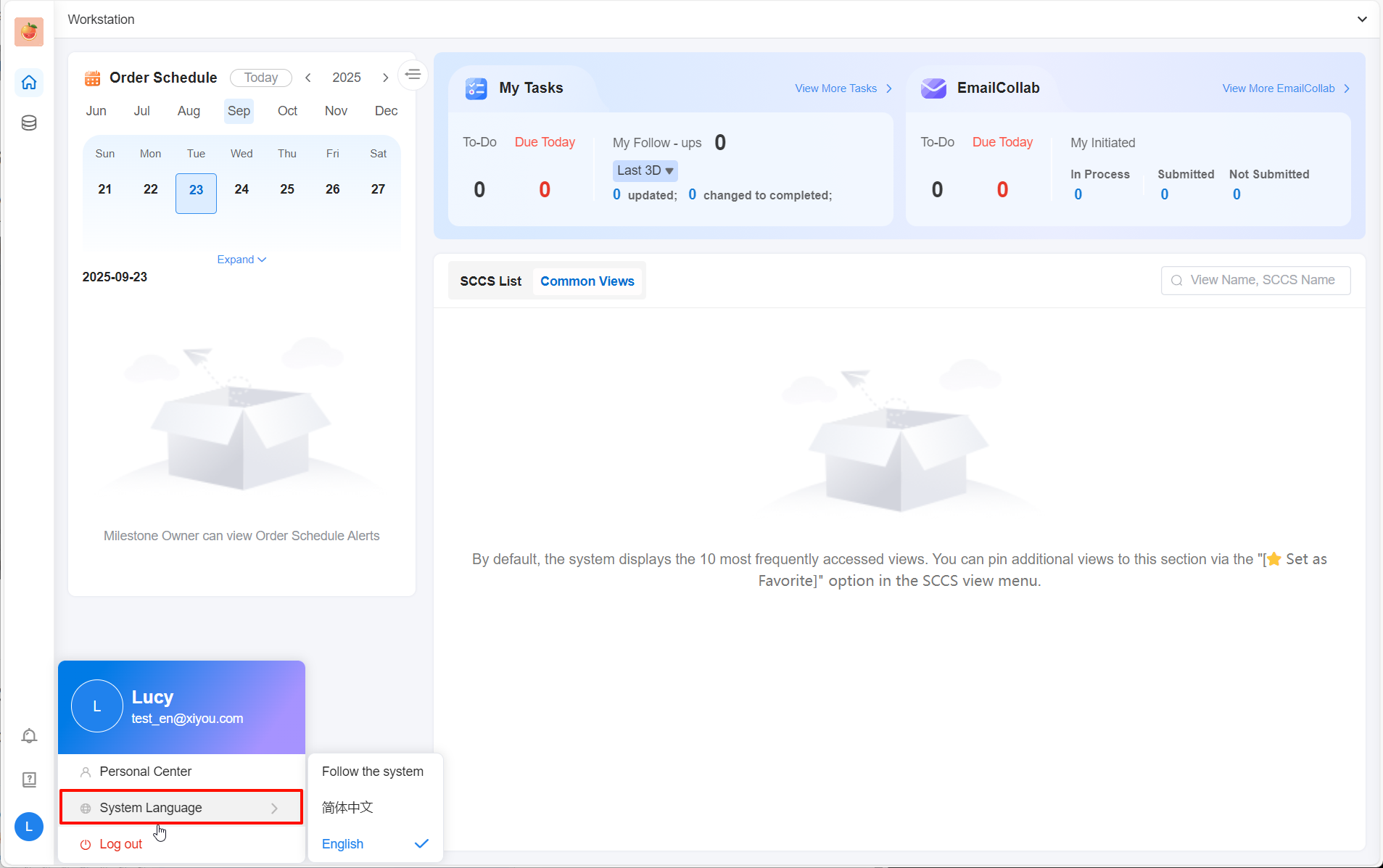
5 Log Out
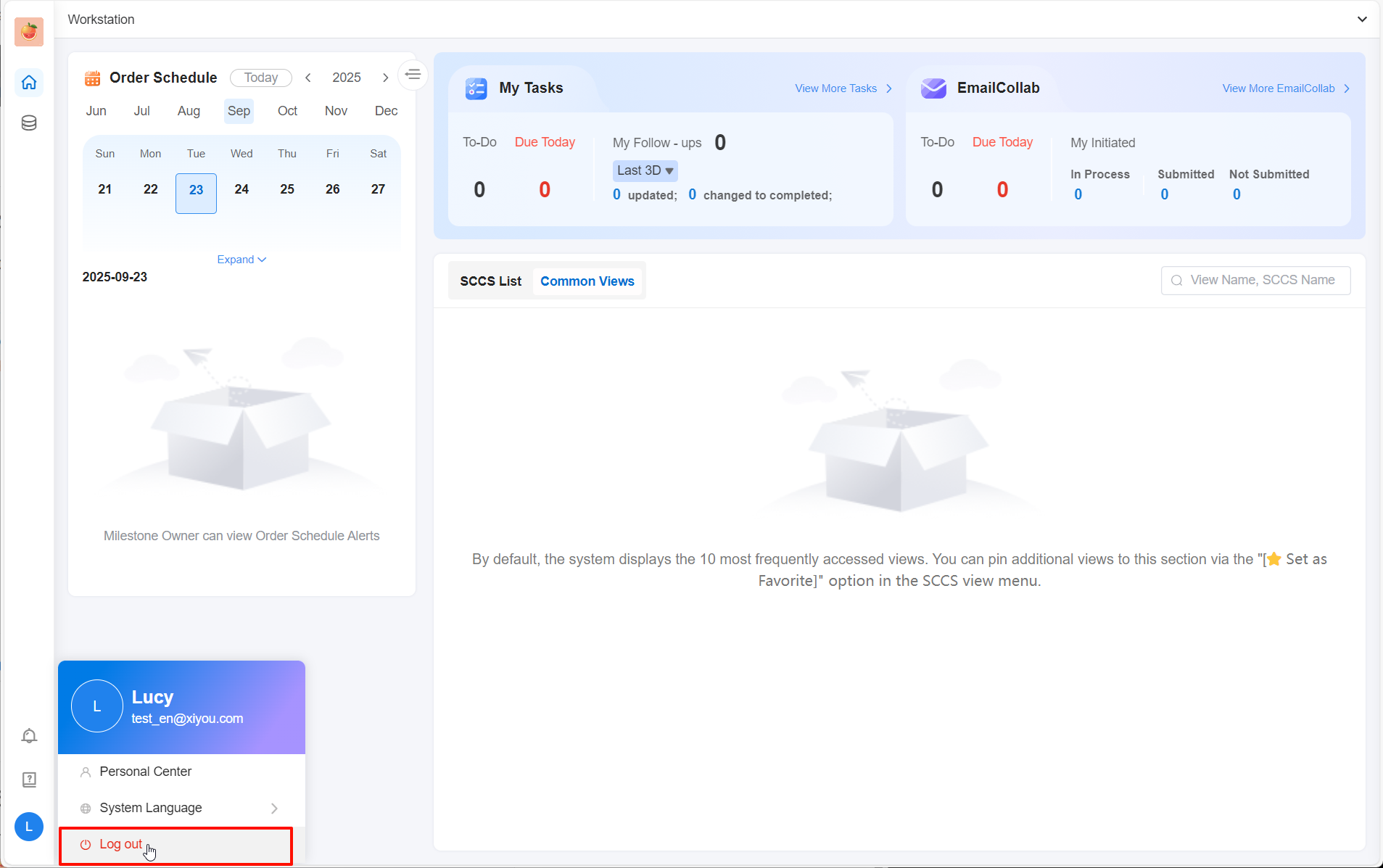
To log out of your current account, click "Log Out" in the Personal Center.